Right to Work Share Code: The 2026 Complete Guide for Employer Compliance and Worker eVisas
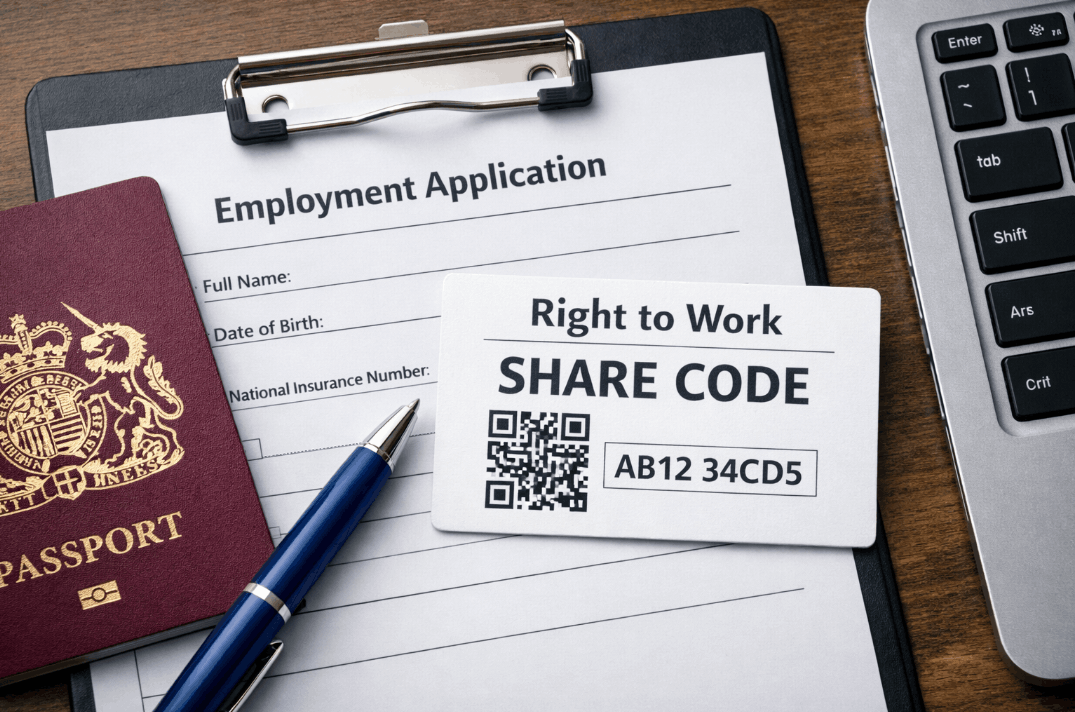
The right to work share code is a nine-character alphanumeric string generated via the Home Office online service. It allows individuals with digital immigration status to prove their eligibility to work.
Employers use the code and the applicant’s date of birth to verify status, establishing a statutory excuse against civil penalties for illegal working.
In the current 2026 landscape, the UK has fully transitioned to a digital-first immigration system. Physical documents like Biometric Residence Permits (BRPs) have been replaced by eVisas and UKVI accounts.
Understanding the digital verification process is no longer optional; it is the primary legal requirement for hiring non-British or non-Irish citizens.
What is a right to work share code?
A right to work share code is a secure, single-use digital token that grants an employer time-limited access to an individual’s Home Office records.
Valid for 90 days, it ensures that sensitive immigration data is shared only with authorised parties for the specific purpose of employment verification.
The technical infrastructure of digital status
The shift to digital-only evidence means the Home Office now holds all immigration permissions in a central cloud database. When a worker generates a code, they are essentially creating a secure key to a specific room in that database.
This system eliminates the risks associated with lost or stolen physical cards and allows for real-time updates to a person’s working conditions or expiry dates.

Why did the Home Office introduce the share code system?
The transition to a digital right to work share code was driven by the need for greater security and administrative efficiency.
Previously, physical permits were prone to sophisticated forgery, and employers often struggled to distinguish between genuine and counterfeit documents.
Reasons behind the digital transition
- Security and Fraud Prevention: Digital records are significantly harder to tamper with than physical plastic cards or paper stamps.
- Real-Time Accuracy: If a visa is curtailed or extended, the digital status updates instantly, whereas physical cards remain static.
- Cost Efficiency: Reducing the manufacture and postage of millions of BRPs saves significant government resources.
- The 2026 eVisa Mandate: As of 2026, the UKVI has phased out almost all physical immigration documents in favour of the View and Prove service.
Transitioning to a digital-first model significantly reduces the administrative friction of physical mail and the risk of documents being lost in transit.
This modernises a process where, historically, applicants often had to send original paperwork to high-volume processing centres like PO Box 4988 Swindon a manual and often stressful step that the share code system has now rendered obsolete.
Strategic benefits of using digital verification
Adopting the digital check system offers tangible advantages for both the business and the individual. In practice, companies that embrace these tools find their onboarding speed increases by up to 40% compared to manual document handling.
| Benefit Category | Impact for Employers | Impact for Workers |
| Privacy | Reduced liability for holding sensitive ID | Controls who sees their status and when |
| Speed | Verification takes less than 2 minutes | No need to mail physical passports |
| Compliance | Automated Statutory Excuse PDF | Proof is accessible 24/7 via smartphone |
| Accuracy | Direct data from the Home Office | Clearer understanding of work restrictions |
This shift toward digital integration isn’t confined to immigration; it reflects a broader move in how employees manage their legal and financial relationship with the state.
Just as workers now use eVisas to prove their employment status, many also rely on automated portals like gov.uk/p800refund to settle tax discrepancies and overpayments triggered by new payroll records.

Who is required to provide a share code in 2026?
Not every person in the UK labour market uses a share code. A common point of confusion for SMEs is whether British citizens need one. They do not.
The digital system is specifically for those whose immigration status is managed by the Home Office.
- Individuals with eVisas: Most work and family visa holders.
- EU Settlement Scheme (EUSS): Those with Settled or Pre-Settled status.
- Biometric Residence Card (BRC) Holders: Legacy holders who have transitioned to a UKVI account.
- Frontier Worker Permit Holders: Non-UK residents working in the UK.
The digital system is mandatory for most non-British and non-Irish citizens whose status is managed by the Home Office.
While a valid share code confirms an individual’s current right to stay, new arrivals must first successfully navigate the UK visa financial requirements 2025 during their initial application to secure this status. Once granted, their permissions are automatically linked to their UKVI account for digital verification.
How to generate your share code as a worker
To secure your share code, access the official government portal using the identity document linked to your UKVI account, typically your passport or a previous BRP number. Follow these specific steps to ensure you generate the correct version for your employer:
- Visit the official Prove your right to work page on GOV.UK.
- Enter your identity document type and the document number.
- Provide your date of birth as it appears on your official records.
- Receive and enter a unique security code sent to your registered email or phone.
- Select the reason for the code (choose Employment rather than Rent).
- Review the information on the screen to ensure your photo is correct.
- Click Generate share code to receive your 9-character alphanumeric identifier.
- Share the code and your date of birth with your prospective employer.
Myth vs Reality: Clearing the digital confusion
Misinformation regarding the right to work share code can lead to hiring delays or even legal disputes. When reviewing decisions made by HR departments, we often find that folklore about the system replaces actual policy knowledge.
| Myth | Reality |
| The code is my actual visa. | No, it is just a key to view your visa status online. |
| A National Insurance number proves right to work. | False. NI numbers do not prove current immigration status. |
| The code tracks my location. | The Home Office does not use share codes for GPS tracking. |
| I need a code to travel. | Codes are for work/rent checks, not for border crossing. |
| Employers can see my whole history. | Employers only see if you can work and any restrictions. |
How employers must verify a share code to avoid fines
For an SME, the check is only valid if performed through the View a job applicant’s right to work details portal. Simply looking at a screenshot provided by the candidate is insufficient and will not provide a legal defence (Statutory Excuse) if the person is later found to be working illegally.
The step-by-step verification protocol
- Step 1: Obtain the share code and date of birth from the applicant.
- Step 2: Log into the official employer portal on GOV.UK.
- Step 3: Enter the details to access the digital profile.
- Step 4: Verify that the photograph on the screen matches the person.
- Step 5: Read any Work Conditions (e.g., student hour limits).
- Step 6: Download and save the Profile Page PDF with the date of the check.
A common pattern is for a business to conduct the check but fail to download the PDF. Without that dated record, the business could face a civil penalty of up to £60,000 per worker if an audit occurs.
Why is my right to work share code not working?
If a candidate provides a code that the system rejects, the issue usually stems from a specific input error or a mismatch in the Home Office database. Understanding these common triggers helps prevent unnecessary delays in the onboarding process:
Identifying the share code error
A frequent issue is that the candidate has generated a Right to Rent code. These codes start with different letters and will not work in the employer portal. Another common problem involves name mismatches; if an employee has updated their passport but not their UKVI account, the system may fail to find a match.
In some cases, the Home Office systems experience downtime. If a check is urgent and the system is offline, employers should wait and retry. If a candidate cannot generate a code because they have a pending application, the employer must use the Employer Checking Service (ECS) to get a Positive Verification Notice (PVN).

Avoiding discrimination in the digital era
The 2026 Home Office Code of Practice is very clear: you must not discriminate against those who cannot provide a share code. While most foreign nationals must use the digital system, British and Irish citizens cannot. Furthermore, some legacy visa holders may still have physical documents that require a manual check.
Enforcing a digital-only policy that refuses to interview anyone without a share code can lead to legal action. Ensure your HR team is trained to handle both digital codes and manual document verification (or IDSP services for British/Irish passports) to maintain a fair and compliant recruitment process.
FAQ about right to work share code
How long is a share code valid for?
A share code expires after 90 days. If the hiring process takes longer, the candidate must generate a new one. Once checked and the PDF is saved, the check is valid for the duration of that visa.
Can I use a screenshot of my share code?
While you can send a screenshot to your employer, they must still log into the official portal using your code. A screenshot alone does not give the employer a statutory excuse.
What if my BRP has expired but I have an eVisa?
If you have successfully transitioned to a UKVI account, your expired BRP does not matter. Use your document details to log in and generate a share code based on your current digital status.
Does it cost money to get a share code?
No. The Home Office service to view and prove your right to work is entirely free for both the individual and the employer. Avoid any third-party sites charging for this.
How do I update my passport on the share code system?
Log into your UKVI account through the Update your details section on GOV.UK. It is vital to keep your linked identity document current so your share code remains accessible.
Can I reuse a code for a second job?
Yes, a single code can be given to multiple employers within its 90-day lifespan. Each employer must perform their own check on the portal to stay compliant.
Do British citizens have a share code?
No. British and Irish citizens do not have a digital status record in this system. They prove their right to work using their passports or birth certificates.
Summary and Practical Next Steps
Effective compliance in 2026 is built on a Check, Match, Store protocol that ensures every non-domestic hire is verified via the official portal.
Beyond these immigration duties, proactive business owners must stay informed on their wider fiscal liabilities; for instance, understanding how much is capital gains tax is just as vital for maintaining a healthy, audit-ready SME as mastering the right to work verification process.