Best Time To Post On Instagram UK In 2026: Day Wise Times, Reels Vs Feed, GMT BST, Testing Plan
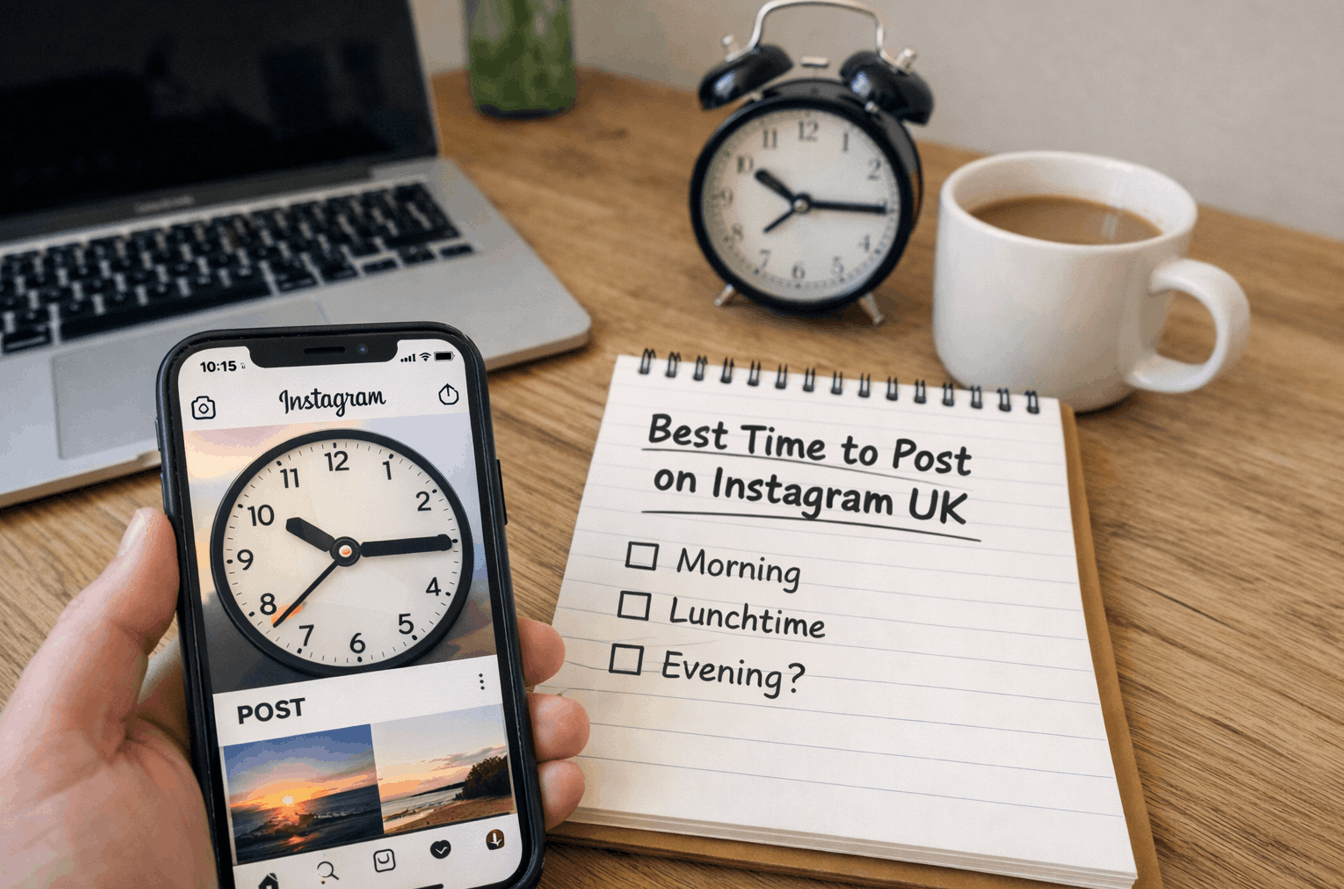
If you’re looking for the best time to post on Instagram UK, start with everyday usage patterns: commutes, lunch breaks and evening downtime. Treat those windows as a starting point, then use Instagram Insights to align posting with when your followers are most active.
As of 2026, most accounts see their strongest consistency mid-week, with late morning and early evening performing reliably across many niches. Weekend performance is more niche-dependent and often peaks later in the morning.
For most accounts, the best time to post on Instagram is 11:00–13:00 and 18:00–20:00 in UK local time. Tuesday to Thursday are often the most consistent. Monday and Friday usually perform best late morning, while weekends tend to peak later, typically 10:00–12:30. Use Instagram Insights to fine-tune.
Best time to post on Instagram UK for steady reach and engagement
The best posting time is the window when your audience is active and willing to engage, not just online. Instagram prioritises early signals such as saves, shares, watch time, and meaningful interactions.
Posting slightly ahead of peak activity helps your content pick up early signals and earn wider distribution in Feed, Reels and Explore.
The timing principle that tends to shift results
Most best time charts miss the part that matters: timing is a multiplier, not a fix. Strong creative paired with the right window can lift reach; weaker creative rarely improves just because it was posted at the perfect time.
A useful rule of thumb:
- Post 30–60 minutes before your audience peak so your content is present as people open the app.
- Optimise for early engagement velocity (first 20–60 minutes), not total likes by the end of the day.
- Match the window to format behaviour: Reels often ride evenings, while feed posts can do well late morning.
In practice, when reviewing account performance, the posts that break out usually combine a clear hook, steady watch time, and a publish time that aligns with a predictable browsing routine.
What does best time mean on Instagram for your goal?
Posting time changes depending on whether you want reach, engagement, or actions such as clicks, DMs, or purchases. You’ll get cleaner results if you pick one goal per content batch.
Goal signals worth tracking are easy to group into three buckets.
- Reach: impressions, accounts reached, Explore distribution, non-follower reach
- Engagement: saves, shares, comments, profile visits
- Actions: link clicks, DMs, website sessions, product page views
Example: a fitness coach publishing for more clients switched from chasing likes to tracking DMs and link clicks with UTM parameters in Google Analytics. Their best window moved later in the evening because that’s when prospects were free to message.
How do GMT and BST affect scheduling?
Clock changes quietly ruin timing tests. When daylight saving time switches, your audience’s routine stays similar, but the clock time changes.
Here are the practical steps that prevent scheduling drift.
- Keep your schedule aligned to local time, not a static UTC offset.
- In tools like Meta Business Suite, Buffer, Later, and Hootsuite, confirm the account time zone before running a test.
- If you have a split audience, treat timing as two schedules, not one compromise.
A common pattern is seeing a sudden dip after the clocks change, then mysterious recovery two weeks later when the creator unconsciously shifts posting time back toward the original routine.
When reviewing Insights across multiple weeks, the most reliable window is often the one that produces steady saves and shares, not the single highest spike in follower activity.
Which days perform best and when to post by day?
These ranges are a sensible starting point for many accounts. Use them to begin, then refine based on your own results.
Best time to post on Instagram UK by day of the week
| Day | Strong windows | Secondary window | Notes |
|---|---|---|---|
| Monday | 11:00–13:00 | 18:00–20:00 | Good for resets, planning, productivity content |
| Tuesday | 11:00–13:00 | 18:00–20:00 | Often one of the strongest days |
| Wednesday | 11:00–13:00 | 18:00–20:00 | Reliable for consistency and saves |
| Thursday | 11:00–13:00 | 18:00–20:30 | Great for Reels momentum into Friday |
| Friday | 11:00–12:30 | 17:00–19:00 | Attention shifts later to offline plans |
| Saturday | 10:00–12:00 | 18:00–20:00 | Works best for leisure, food, local, entertainment |
| Sunday | 10:00–12:30 | 18:00–20:00 | Planning mood, longer watch sessions |
To avoid chasing charts, stick to one window per day for two weeks. Consistency makes performance signals easier to read.
Why these windows often hold up?
Instagram usage tends to cluster around predictable daily rhythms. Timing works when it matches behaviour, not when it matches a generic internet chart.
The same habit-led logic applies across short-form platforms, so if you cross-post, aligning with the best time to post on TikTok UK can help your content land in stronger attention windows on both apps.
Once you’ve mapped those routines, the day-by-day windows become easier to test.
These high-attention moments tend to repeat across the week.
- Morning routine and commute browsing
- Lunch break scrolling
- After-work decompression
- Evening sofa-scroll with longer watch time
Timing tends to matter most in these situations.
- New accounts building initial momentum
- Posts designed for saves and shares
- Product drops with limited windows
- Local businesses relying on today decisions
Example: a neighbourhood café moved from 09:00 posts to 11:30 posts and saw more saves on menu content because people were deciding lunch. Same photos, different timing, better intent alignment.
What is the best time to post Reels for follower growth?
Reels distribution depends heavily on watch time, rewatches, and shares. Evenings often perform well because users have longer, uninterrupted sessions.
These Reel timing windows are a strong starting point.
- Aim for 18:00–21:00 for many audiences
- Test one earlier slot 12:00–13:00 for lunchtime browsing
- Post Reels when you can respond to comments quickly in the first hour
Different formats suit different goals, so timing should follow the format.
| Format | Best for | Strong windows | What to optimise |
|---|---|---|---|
| Reels | Reach, followers | 18:00–21:00 | Hook in first 1–2 seconds, watch time, shares |
| Feed post | Saves, credibility | 11:00–13:00 | Carousel structure, clear value, saves |
| Stories | Retention, DMs | 08:00–10:00 and 18:00–22:00 | Polls, questions, link stickers, replies |
| Live | Community depth | 19:00–21:00 | Reminders, pinned topic, Q and A |
In practice, Reels that win are rarely timed perfectly by luck. They’re built for retention and then posted in a window when people can actually watch to the end.
When do Stories outperform Feed posts?
Stories win when you need frequency, familiarity, and fast interaction. They’re also ideal for warming up your audience before a post or Reel.
Use Stories when you want
- Quick feedback via polls and sliders
- DMs and booking conversations
- Behind the scenes trust signals
- Repeated visibility without spamming Feed
Example: a service provider used Stories at 08:30 for three days running to share appointment availability, then posted a Reel at 18:30. The Reel got more DMs than usual because the audience had already seen the offer earlier.
How to find your best time in Instagram Insights?
This part is easy to skim past, but a few minutes of tracking makes the result far clearer.
Check these areas first
- Instagram Insights for follower activity by day and hour
- Post-level metrics: reach, saves, shares, watch time, profile visits
- Meta Business Suite for scheduling consistency
Insights has limits, so interpret it carefully
- It shows when followers are active, not when they’re ready to engage.
- It doesn’t control for content quality, topic, or format.
A common pattern is assuming the highest online hour is best, then posting into the peak and getting buried. Posting just before the peak often performs better.
Best time to post on Instagram UK using Insights and a simple log
Keep a simple content log for two weeks, and patterns usually emerge quickly.
How to run a 14 day timing test that holds up?
A reliable timing test keeps content type consistent while changing only the publish window. Track the same core metrics for each post, compare medians rather than single best posts, and keep the test long enough to reduce random spikes. Two weeks is usually enough to find a stable best window per format.
A simple seven-step timing test
- Choose one primary goal for the test: reach, engagement, or actions.
- Pick two posting windows to compare, for example, 11:30 and 18:30.
- Keep format consistent for each window, such as Reels only or carousels only.
- Publish 6–10 posts across 14 days, alternating windows evenly.
- Record first-hour performance: reach, saves, shares, watch time, comments.
- Review 24-hour performance, then calculate the median per window.
- Lock the winning window for the next 3–4 weeks and retest only if growth stalls.
These metrics usually correlate best with sustainable performance
- Reels: average watch time, completion rate trends, shares
- Feed: saves, shares, profile visits
- Offers: link clicks, DMs started, conversions in Shopify or your booking tool
What mistakes make good timing look bad?
Timing tests fail for predictable reasons. Fix these, and your results become clearer fast.
These are the errors that most often distort timing tests
- Changing your hook style during testing times
- Mixing Reels, carousels, and single images in the same comparison set
- Posting at a peak hour when you cannot reply to early comments
- Forgetting to adjust schedules after the clock change
- Testing too few posts and overreacting to one viral outlier
In practice, the biggest mistake is treating timing as the main lever. Content quality and clarity are still the primary drivers; timing simply helps the best content get its first push.
How timing shifts for different audience types?
Different audiences browse at different moments. Segment your schedule by intent, not by guesswork.
Typical shifts by audience type look like this
- Local services: stronger late morning and early evening, especially mid-week
- E-commerce: evening browsing plus weekend late mornings
- B2B: lunch and early evening, with quieter weekends
- Students and younger audiences: later evenings can outperform mornings
Simple timing adjustments by scenario
| Scenario | Adjust your window | Why it works | Tool to confirm |
|---|---|---|---|
| Restaurants and cafés | 11:00–13:00 | Decision-making window | Insights + saves |
| Fitness and wellness | 06:30–08:30 and 18:00–20:00 | Routine-based habits | Watch time + DMs |
| E-commerce launches | 18:00–21:00 | Longer browsing sessions | Link clicks + Shopify |
| Professional services | 12:00–13:30 | Focus breaks | Profile visits + enquiries |
| Events and nightlife | 19:00–22:00 | Last-minute planning | Shares + story taps |
A short example: an e-commerce brand posting product Reels at 12:00 saw reach but low clicks. Shifting to 19:30 increased link taps because viewers were in browse and buy mode.
Which calendar moments change posting behaviour?
Seasonality is real, even without dramatic viral changes.
What often shifts performance?
- School holidays and travel periods change morning routines
- Long weekends push attention later in the day
- November to January shopping periods favour evenings and weekends
As of 2026, the most stable approach is to keep your baseline schedule and add short-term adjustments for major campaigns rather than constantly rebuilding your calendar.
Quick checklist to choose your next posting time
Use this to pick a time quickly and move on.
If you want reach
- Post 30–60 minutes before your evening peak
- Prioritise Reels with a sharp opening hook
If you want engagement
- Post late morning with a carousel or a clear value post
- Ask for saves and shares naturally, not with gimmicks
If you want actions
- Post when you can respond fast
- Use link stickers, pinned comments, and clear CTAs to DM
What people talk about this online?
Best time to post on Instagram for UK Time?
by
u/LilianXOArtz in
SocialMediaMarketing
Does “Best Time to Post” Really Matter Now?
by
u/confusedwithmoney in
SocialMediaMarketing
Best Times to Post on Instagram : What’s Working Now?
by
u/confusedwithmoney in
InstagramMarketing
Final summary
Start with two benchmark windows: 11:00–13:00 and 18:00–20:00 local time, prioritising mid-week consistency. Separate your schedule by format, especially Reels versus feed posts. Run a 14-day test with only two time slots, track first-hour signals, and commit to the winning window for a month before changing anything.
FAQ
What is the best time to post on Instagram in the UK?
Aim for 11:00–13:00 and 18:00–20:00 local time as a starting point. Mid-week is often the most consistent. The fastest way to improve accuracy is to use Instagram Insights and test two windows for two weeks, tracking first-hour saves, shares, and watch time.
What days are best to post on Instagram?
Tuesday to Thursday often produce steadier engagement because routines are predictable. Monday can work well for planning and reset content, while weekends tend to vary more by niche. Use a two-week test so you rely on your data, not averages.
Is it better to post in the morning or evening?
Evenings often win for Reels because users watch longer, while late morning can be strong for feed posts that earn saves. The better choice depends on your audience’s routine and whether your content performs through watch time or saves.
What is the best time to post Instagram Reels?
A common high-performance window is 18:00–21:00 local time, with lunchtime as a secondary test slot. Reels timing works best when you can respond to early comments, and your first few seconds hold attention.
Does posting time matter on Instagram in 2026?
Yes, but it is a multiplier. Good timing helps strong content get early signals that affect distribution in Feed, Explore, and Reels. Poor timing rarely kills great content, but it can slow initial momentum and reduce reach.
How do I find my best time to post using Insights?
Check follower activity by hour and day, then test two publish windows for 14 days with consistent formats. Compare median results for reach, saves, shares, and watch time. Lock the winning window for a month before retesting.
What time zone should I use for local followers?
Use local time and verify your account time zone in your scheduling tool. Clock changes can shift results if your schedule stays fixed to an offset. Keep tests consistent through the change and adjust your posting calendar promptly.
How often should I post for best engagement?
Consistency beats volume. Many accounts do well with 3–5 feed posts or Reels per week, plus Stories most days. Pick a cadence you can maintain while keeping quality stable, then scale once your best times are validated.
What is the best time to post for a business account?
Start with late morning for informative posts and early evening for discovery content like Reels. Track actions that matter to your business, such as DMs, bookings, or link clicks. Align posting times with when you can reply quickly.
Author note
Built from hands-on auditing of Instagram Insights, Meta Business Suite schedules, and real campaign logs across creators and small brands. The focus is on repeatable testing, clean metrics, and practical workflow decisions rather than generic averages or hype.